[Some of the links in this post are affiliate links, meaning that if you were to make a purchase through a link, I would get a very small commission, at no extra cost to you.]
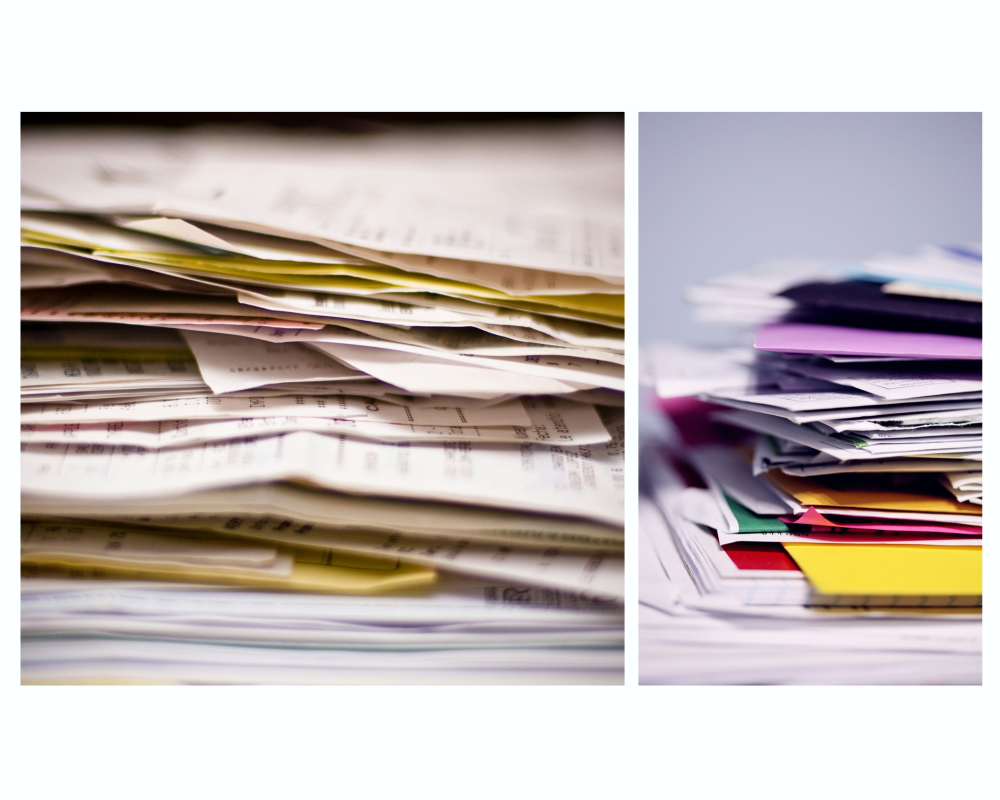
In Judith Kolberg’s book Conquering Chronic Disorganization, published in 1999, I found the following quote: “The US Postal Service attests to the fact that contemporary Americans get more mail in one month than their parents did in an entire year, and more mail in one year than their grandparents received in a lifetime!” No wonder we have trouble managing it all! Of course, the amount of mail we get has probably decreased over the past almost-30 years, but we are still getting more mail than those generations before us, and often more than is easily manageable.
I often help my clients manage their mail. I’ve helped people catch up on two months’ worth of mail and I’ve helped people catch up on six years’ worth of mail. As I always say, there is a difference between catching up and keeping up… When I start helping a client, there is usually a lot of catching up to do, and that is hard! Then I help to set things up so that keeping up with the mail is easier from that point on.
As we catch up, we’ll often divide mail into categories, such as bills, junk mail, catalogs, etc. This helps us see more clearly what we’re dealing with, and we can also make faster decisions about large categories (like tossing all the junk mail in the recycling bin without a second thought).
Nip it in the bud
This brings me to the first important point: let’s nip this in the bud before it becomes a problem again. Stemming the flow of incoming mail by unsubscribing is one of the keys to making it manageable!
When I was working with a client, we kept finding bills from SAWS (the water company); he was already on autopay, so thankfully all of his payments had been on time, but right then and there during our session he pulled out his phone and signed up for paperless billing. Problem solved! Now he gets his bill online and there’s no more incoming papers to deal with.
As for junk mail, you have a few options. There’s DMA Choice, which lets you opt out of some marketing mailings. (As of this writing, there is a small administrative fee of less than $10, and it’s absolutely worth it!) You can also opt out of catalogs at Catalog Choice, and it’s faster than contacting each individual publication and asking to be removed from their mailing list (though that is certainly an option too). I find that you will still receive catalogs of companies from which you make purchases, but even if not, they all have a website where you can go see what’s new every once in a while. (I also recommend removing yourself from their emailing list if the emails are too frequent or create temptation that is too hard to resist – again, the company doesn’t stop existing, and you can still go see what they have in store when you are ready to buy.) As for credit card offers, I recommend Opt Out Prescreen; this one can seem a little scary because they will ask for personal information like your social security number, but it has a partnership with credit bureaus and is safe to use. You’ll have to renew the request to opt out every five years.
Make it easy
Another reason why dealing with mail can be hard is that you don’t have an optimal set up. Make it easy on yourself by reducing friction, and you’ll be more motivated to keep up. Set a regular time to go through your mail – I do it daily, but maybe weekly works better for you.
Set up a place that makes your job effortless: you’ll want easy access to a letter opener, a trash bin, a recycling bin, and a shredder, so that mail can be dealt with right then and there. (I have a shredder similar to this for about $40, or you can get identity protection roller stamps for around $10.) Alternatively, you can set up a small bin for items that have personal information and must be destroyed; you can periodically take them to a shredding service or burn them. If you shred them at home, keep in mind that you can’t recycle shredded paper directly as is, because it would clog up the machinery. You might be able to package it in a clear bag for recycling, or else compost it or just trash it.
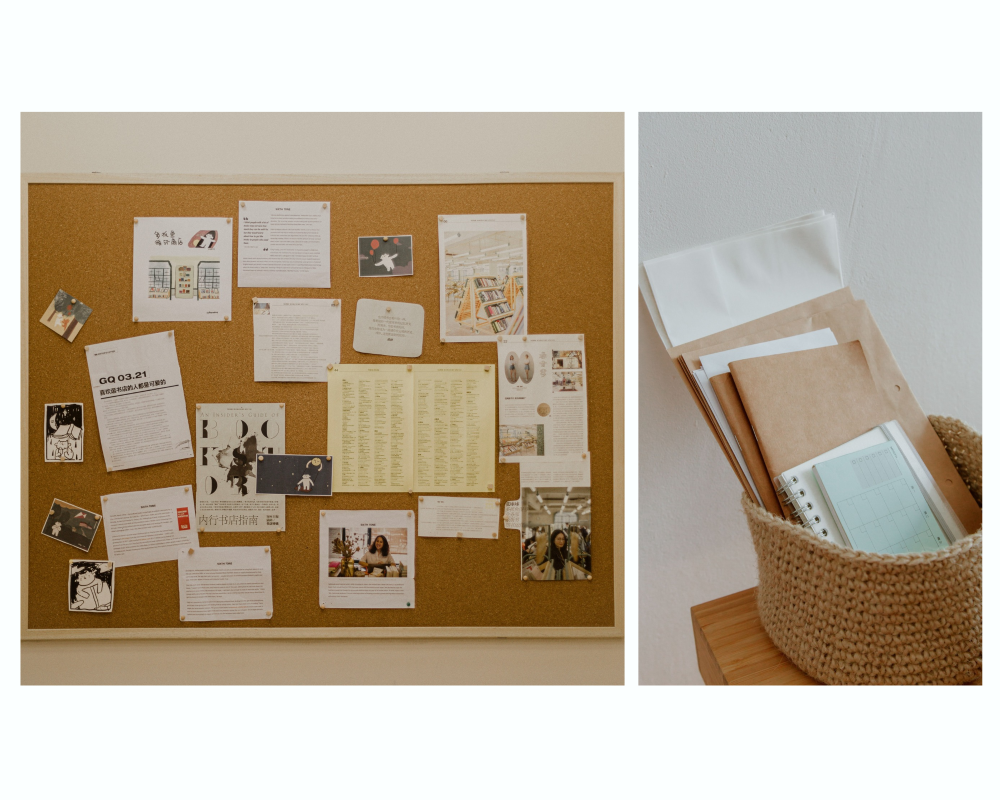
Having a few bins or a corkboard to sort items is also helpful. Some of my clients have an “Action” bin in which they put items that still require an action from them, like paying a bill, adding someone’s coordinates to their contacts list, or signing a permission slip from school (yes, incoming school papers can count as mail!). Certain items are displayed as reminders (an invitation to an upcoming event) or else filed away in case they become useful (a coupon to that new restaurant) or as reference (tax documents). You can then relocate items that belong someplace else, like the magazine that you want to read in the living room, or the catalog that you’ll peruse at your computer before making a purchase.
While we’re at it, let’s create a mail center! Gather your address book, envelopes and stationery, stamps, return address labels, and some pens. Make it easy for Future You to send a piece of mail!

Hi there! I’m Amélie, a professional home organizer in San Antonio, Texas. I help people like you declutter their home, organize their belongings, and simplify their life. I love cleaning out a closet and removing a carload of donations from a home! My goal is to help you create a functional space that will make your life easier and more peaceful.
Interested? Check out my personalized services or book your complimentary consultation!